5 Awesome Chroma Alternatives
 Yulei Chen
Chroma is the most popular open-source vector database for AI applications, with over 24,000 GitHub stars and millions of monthly downloads. It's the go-to choice for developers building RAG pipelines with LangChain and LlamaIndex, thanks to its dead-simple API and fast setup. Chroma Cloud starts free on the Starter plan with usage-based pricing ($2.50/GiB written, $0.33/GiB stored/month), then $250/month on the Team plan. If you want full control over your data and predictable costs, you can self-host Chroma on Sliplane for just €9/month per server.
But Chroma isn't the only option. Whether you need better scalability, managed infrastructure, or a different feature set, here are 5 awesome alternatives worth considering.
1. Qdrant
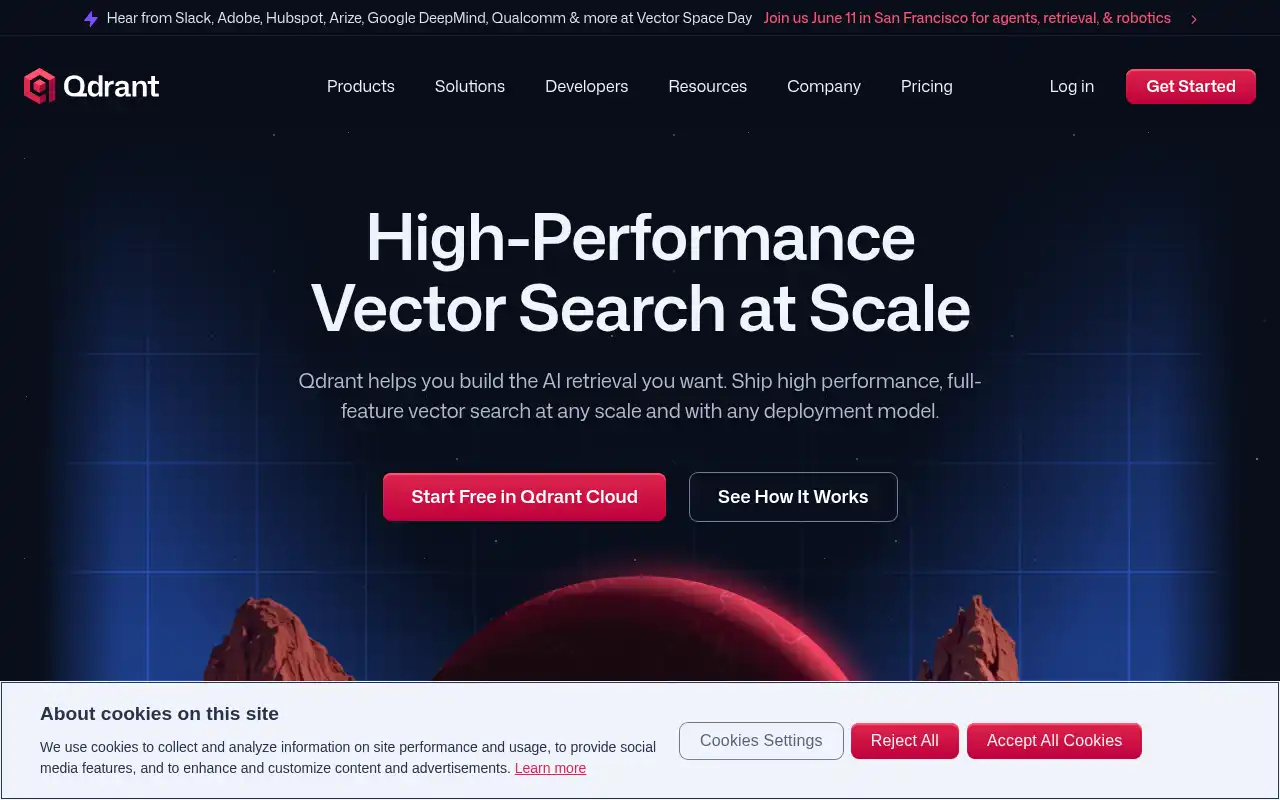
Qdrant is an open-source vector search engine built in Rust, designed for production workloads from the ground up. Where Chroma focuses on simplicity and getting started fast, Qdrant offers advanced filtering, payload indexing, and a more robust architecture for larger datasets. It's especially popular in legal and financial applications where filtered vector search is a core requirement.
- Features: High-performance vector search in Rust, rich payload filtering with indexed metadata, hybrid search (dense + sparse vectors), multi-tenancy support, snapshot-based backups, distributed deployment with sharding, gRPC and REST APIs, and quantization for memory optimization.
- Why You Should Use It: If your dataset is growing beyond 5M vectors and you need rock-solid filtered search, Qdrant is a fantastic choice. The Rust engine delivers excellent performance, and the advanced filtering lets you combine vector similarity with structured metadata queries. It also supports scalar and binary quantization, which can reduce memory usage by up to 64x.
- Why Not: Qdrant has a steeper learning curve than Chroma, especially for developers who just want to prototype quickly. The API is more verbose, and the distributed setup requires more configuration. If you're building a simple RAG prototype, Chroma's simplicity is hard to beat.
- Pricing: Free forever tier with 1GB RAM and 4GB disk. Standard cloud clusters start around $30-200/month depending on size. Self-hosting is free under the Apache 2.0 license, and you can deploy Qdrant on Sliplane for €9/month.
2. Weaviate
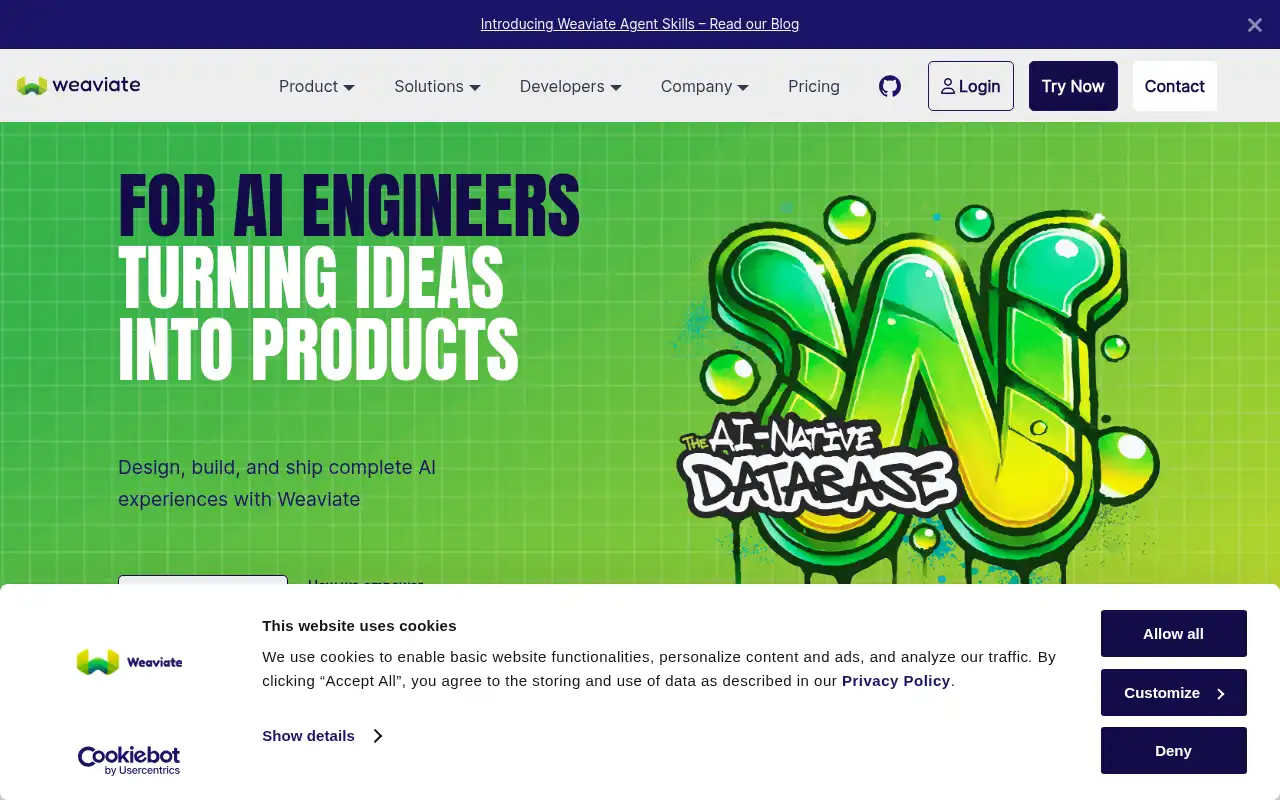
Weaviate is one of the most feature-rich open-source vector databases available. It goes beyond simple vector search with built-in vectorization modules, hybrid search combining dense vectors and BM25 keyword matching, and a GraphQL API. If Chroma is the "get started fast" option, Weaviate is the "do everything" option.
- Features: Hybrid search (vector + BM25), modular vectorization with multiple embedding providers, GraphQL and REST APIs, multi-tenancy, RBAC security, dynamic indexing, vector compression (binary and product quantization), real-time data ingestion, and native integration with AI frameworks.
- Why You Should Use It: If you need built-in vectorization so you don't have to manage embeddings yourself, Weaviate is unmatched. The hybrid search quality is competitive with Pinecone, and the modular architecture lets you swap embedding models without changing your application code. For teams that want a single platform handling both vectorization and search, it's the strongest open-source option.
- Why Not: Weaviate is heavier than Chroma and requires more resources to run. The learning curve is steeper, especially around schema configuration and module setup. Cloud pricing can add up quickly at scale, with the Flex plan starting at $45/month minimum and costs growing significantly with vector count.
- Pricing: Free 14-day sandbox. Flex plan from $45/month (usage-based). Plus plan from $280/month (annual). Self-hosting is free under the BSD-3 license. You can also self-host Weaviate on Sliplane for €9/month.
3. Pinecone
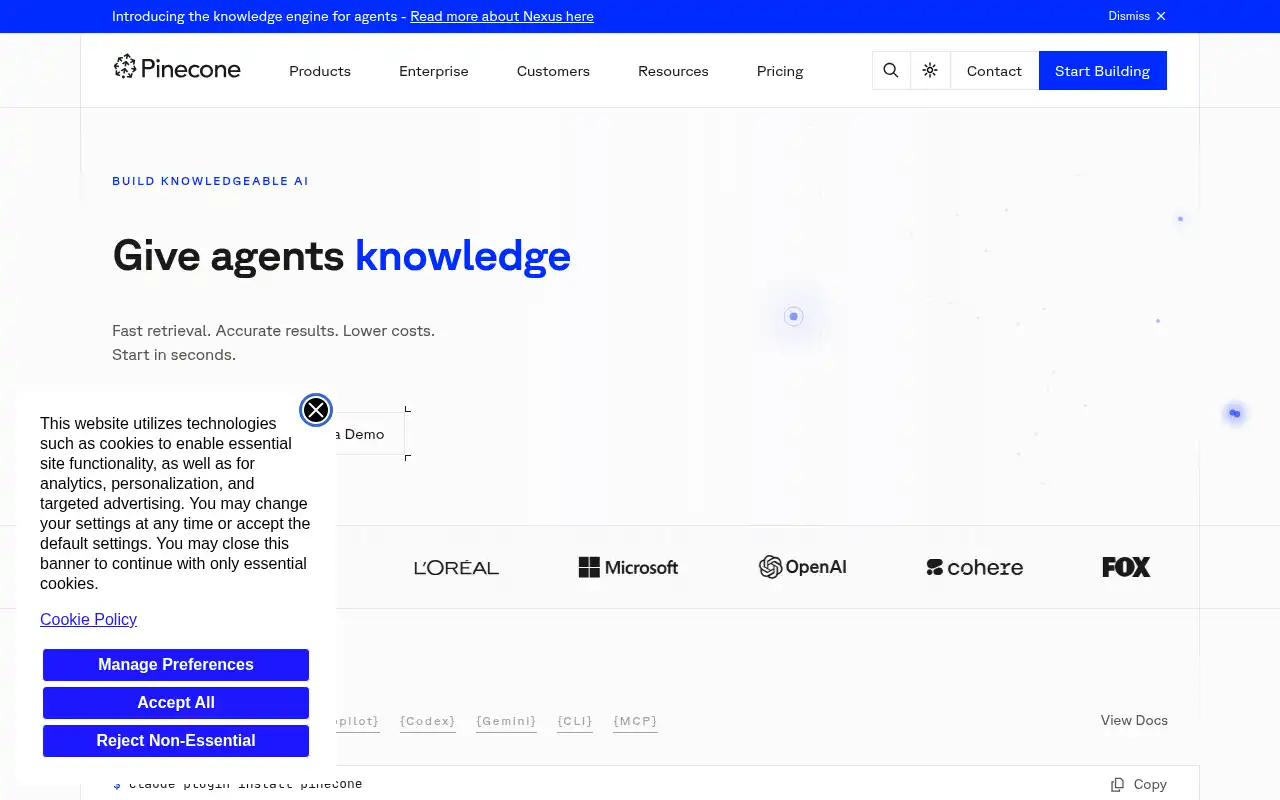
Pinecone is the most popular fully managed vector database, built for teams that want production-grade vector search without managing infrastructure. It delivers sub-20ms query latency at scale and supports hybrid search combining dense and sparse (BM25-style) retrieval. Unlike Chroma, Pinecone is purely managed, so there's no self-hosting option.
- Features: Fully managed serverless architecture, hybrid search (dense + sparse), sub-20ms p50 latency at 10M records, namespaces for multi-tenancy, metadata filtering, real-time upserts, integrated inference API for embeddings, and support for up to 5 billion vectors per index.
- Why You Should Use It: If you don't want to manage any infrastructure and need battle-tested reliability at scale, Pinecone is the go-to. The serverless model means you pay only for what you use, and the query performance at scale is excellent. It's also the easiest managed option to integrate with, thanks to well-designed SDKs for Python, Node.js, Go, and Java.
- Why Not: Pinecone is proprietary with no self-hosting option, which means vendor lock-in. Costs can grow quickly at scale, with 10M vectors costing around $70/month and 100M vectors reaching $700+/month. You also have less control over tuning and infrastructure compared to open-source alternatives.
- Pricing: Free Starter plan (1 index, limited storage). Standard plan with a $50/month minimum, then usage-based. Enterprise plan from $500/month with custom pricing. No self-hosting option available.
4. Milvus
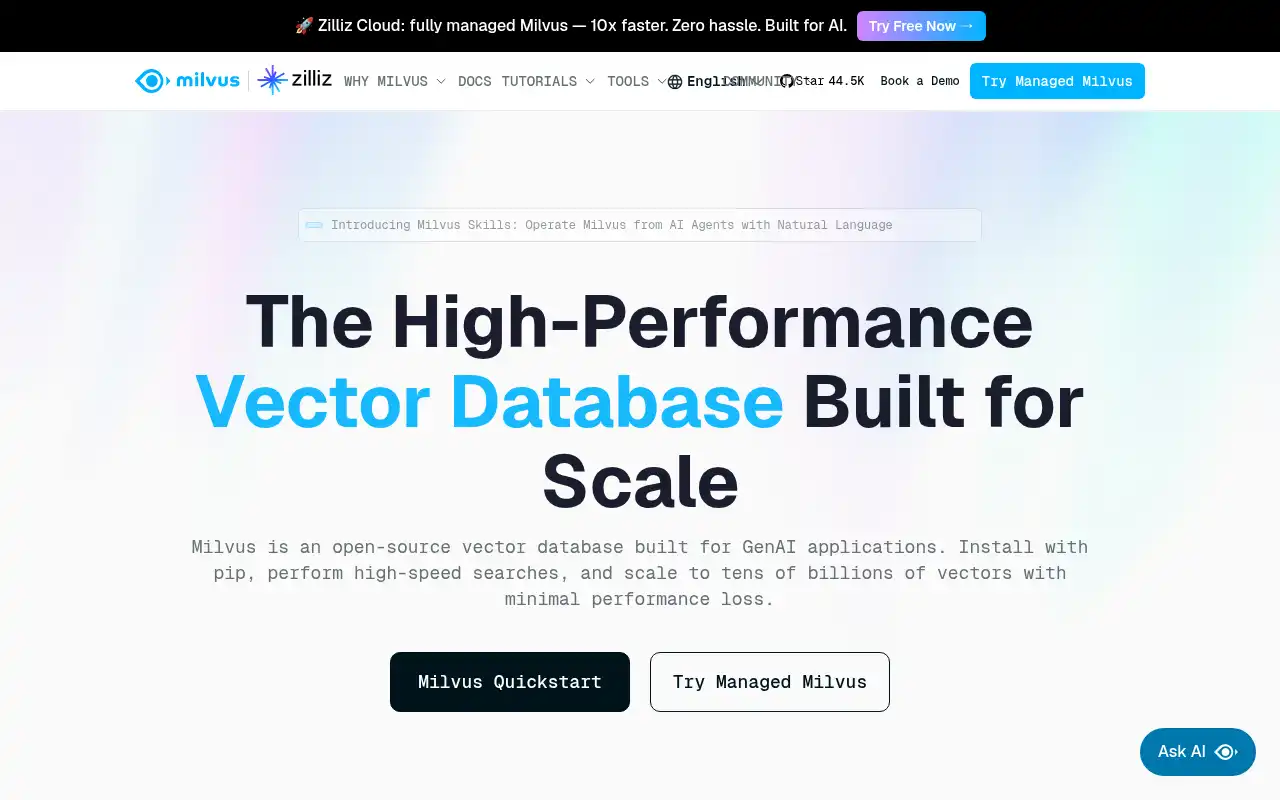
Milvus is an open-source vector database designed for massive scale. Originally created by Zilliz, it uses a distributed, segment-based architecture that handles billions of vectors with horizontal scaling. Its managed cloud offering, Zilliz Cloud, adds enterprise features like GPU-accelerated search and tiered storage. If Chroma is built for prototyping, Milvus is built for production at serious scale.
- Features: Distributed architecture with horizontal scaling, GPU-accelerated search, multiple index types (HNSW, IVF, DiskANN, SCANN), hybrid search, multi-tenancy, tiered storage (hot/warm/cold), partition keys, dynamic schema, and support for billions of vectors per collection.
- Why You Should Use It: If you're dealing with 50M+ vectors and need horizontal scaling, Milvus is the strongest choice. The segment-based architecture outperforms competitors on distributed workloads, and DiskANN indexes can reduce compute costs by 60-75% compared to in-memory indexes. Zilliz Cloud's tiered storage also delivers significant cost savings at scale.
- Why Not: Milvus is significantly more complex to deploy and operate than Chroma. It requires Kubernetes for distributed mode, and the operational overhead is substantial. For datasets under 20M vectors, simpler alternatives like Qdrant or Chroma will serve you just as well with far less complexity.
- Pricing: Zilliz Cloud free tier includes 5GB storage and monthly compute credits. Serverless starts at $0/month (usage-based at $0.096/CU-hour). Dedicated clusters from $126/GB/month. Self-hosting Milvus is free under the Apache 2.0 license, but typically requires $300-600/month in Kubernetes infrastructure.
5. pgvector
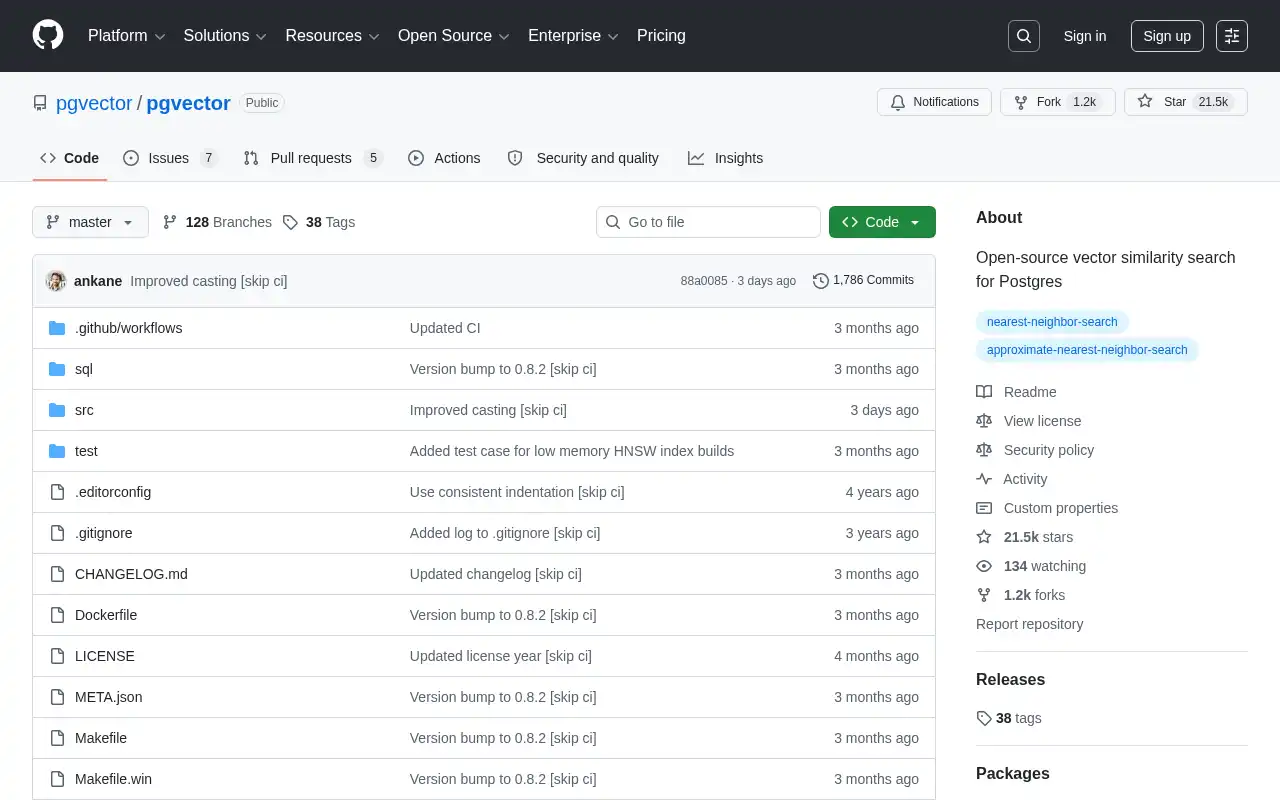
pgvector is a PostgreSQL extension that adds vector similarity search directly to your existing Postgres database. It's not a standalone vector database, but that's exactly the point. If your application already runs on PostgreSQL, pgvector lets you add vector search with a single CREATE EXTENSION vector; command, no new infrastructure required.
- Features: HNSW and IVFFlat indexing, exact and approximate nearest neighbor search, L2 distance, inner product, cosine distance, and halfvec support, parallel index builds, works with any PostgreSQL hosting provider, and integrates with the entire PostgreSQL ecosystem (joins, transactions, ACID guarantees).
- Why You Should Use It: If you already run PostgreSQL and your vector dataset is under 10M records, pgvector is the most pragmatic choice. Your vectors live alongside your application data in the same database, which means no new service to deploy, monitor, or pay for. Recent benchmarks show pgvector matching Pinecone's performance at 75% less cost for many workloads.
- Why Not: pgvector is limited by PostgreSQL's single-node architecture. It can't horizontally scale like Milvus or Qdrant's distributed mode. For datasets above 10M vectors or applications needing sub-10ms latency at high throughput, a dedicated vector database will perform better. It also lacks built-in vectorization, so you need to handle embeddings externally.
- Pricing: Completely free and open-source under the PostgreSQL License. Your cost is just your Postgres hosting. Self-hosting on a VPS starts at $5-15/month. Cloud providers like Supabase, Neon, and AWS RDS all support pgvector out of the box. Check out our guide on cheap ways to host Postgres for more options.
Conclusion
| Tool | Best For | Ease of Setup | Focus | Cloud Pricing |
|---|---|---|---|---|
| Chroma | RAG prototyping, simple AI apps | Very Easy | Developer simplicity | Chroma Cloud free tier, then usage-based |
| Qdrant | Filtered search, mid-scale production | Moderate | Performance + filtering | Qdrant Cloud free tier, ~$30-200/mo |
| Weaviate | Built-in vectorization, hybrid search | Moderate | Feature-rich platform | Weaviate Cloud from $45/mo |
| Pinecone | Fully managed, zero-ops | Easy | Managed scale | Pinecone free tier, $50/mo min |
| Milvus | Billion-scale vector search | Complex | Distributed scale | Zilliz Cloud free tier, then usage-based |
| pgvector | Teams already on PostgreSQL | Very Easy | Postgres-native search | Free extension, pay for Postgres hosting |
Each tool fills a different gap: Qdrant for production-grade filtered search, Weaviate for all-in-one vectorization and hybrid search, Pinecone for fully managed zero-ops, Milvus for billion-scale distributed workloads, and pgvector for adding vectors to your existing Postgres.
Chroma remains a fantastic choice for getting started quickly with AI applications, especially if you value simplicity and a great developer experience. But as your needs grow, one of these alternatives might be a better fit for your specific use case.
If you want to self-host any of these vector databases, check out our guides: